Short answer
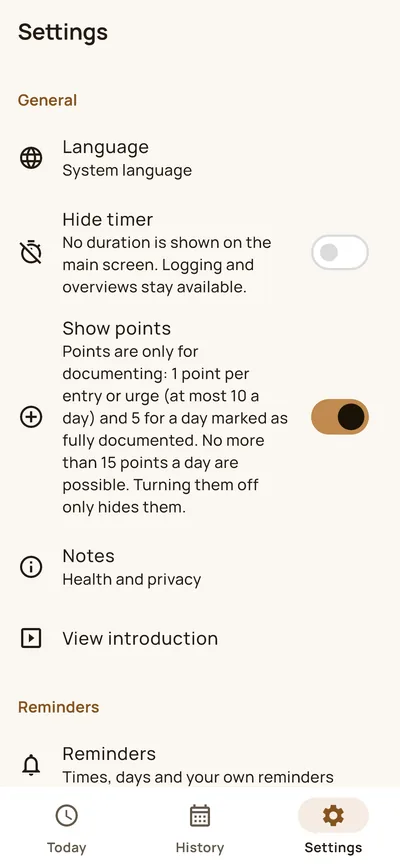
You create a backup under “Settings” and “Backup”. It is encrypted with a password you choose. An export as JSON or CSV is not encrypted. “Delete all data” removes everything from your device and cannot be undone.
Creating and restoring a backup
- Settings, then “Backup”.
- Choose a password and store the file (ending .rhbk) yourself, for example in your cloud or on a computer. HEPLANO Rhythm does not transmit it anywhere.
- To restore, choose “Restore backup” and the file. The app first shows what is on the device and what is in the backup. The current data is replaced completely; nothing is merged.
The password cannot be recovered. Without it the file cannot be read.
Exporting
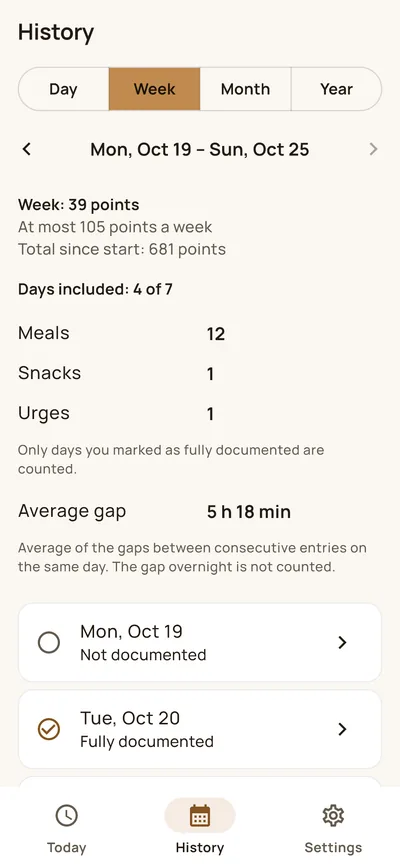
Under “Export data” you share your data as JSON or CSV. These files are not encrypted. You decide through the Android share menu where they go.
Protecting and deleting
- App lock and screen protection: The lock uses fingerprint, face or the PIN of your device. The screen protection prevents screenshots and the preview image in the app switcher.
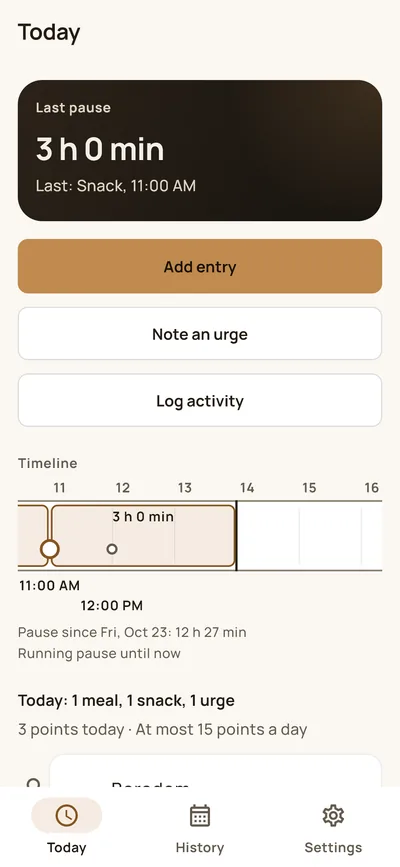
- Widget: The optional home screen widget shows the last entry and the running break. While it is there, this information is stored unencrypted in the private storage of the app. With the app lock on, it only shows “Open”. The widget is part of Premium.
- Delete all data: removes the database, the key and the widget data from your device. Backup files and exports you stored yourself remain until you delete them.
More about the app: HEPLANO Rhythm. The privacy policy describes which data is where.