Short answer
Tap “Add entry”, choose “Meal” or “Snack” and save. The time is “now”; you can change it when you add something afterwards. HEPLANO Rhythm does not count calories, does not record weight and does not rate anything.
Adding an entry
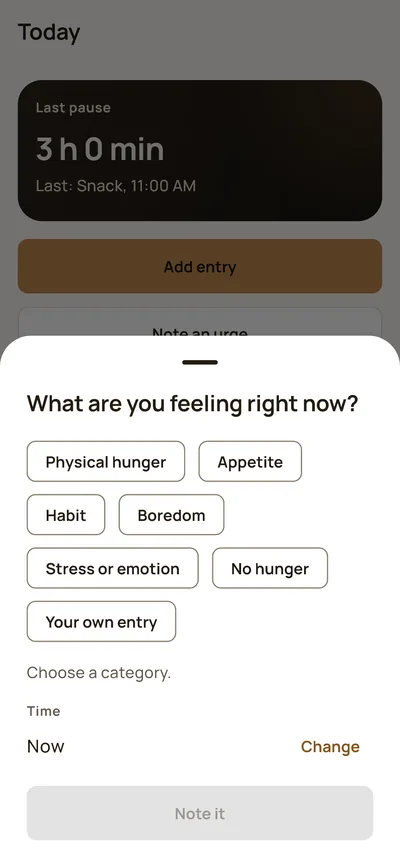
- On the “Today” screen, tap “Add entry”.
- Choose whether it was a meal or a snack. You decide what is what for you.
- The time is set to “Now”. For an earlier time, tap “Change” and choose the day and time.
- If you like, enter how long the meal lasted. The break then counts from the end.
- Save. The entry appears in the list right away.
Timer and timeline
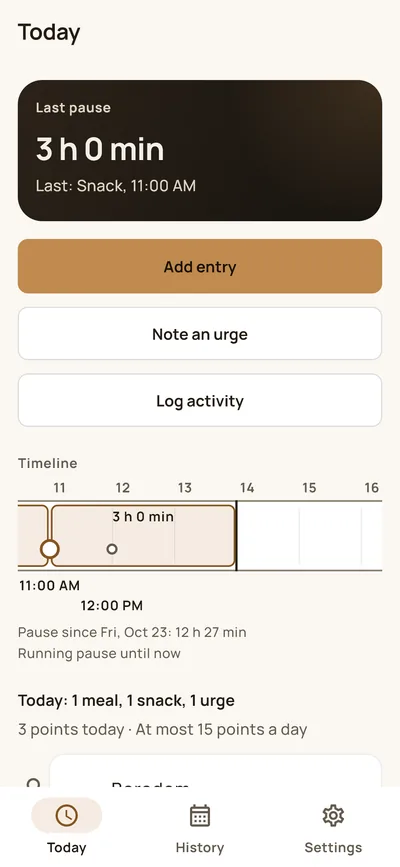
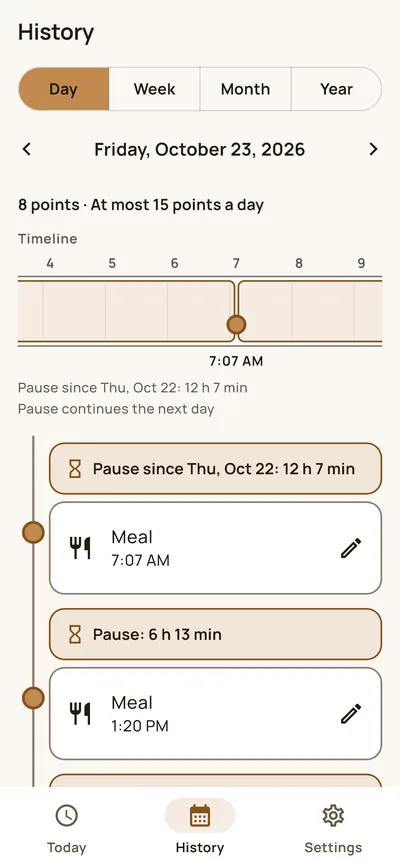
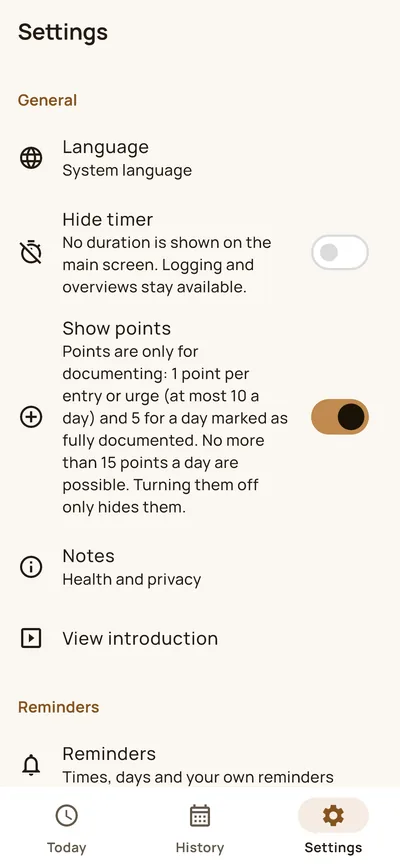
At the top, the timer shows how much time has passed since your last entry, for example “3 h 0 min”. Below it you see the day as a timeline with all entries and the breaks in between. If time information puts you under pressure, hide the timer in the settings. Entries and overviews stay usable.
Marking days
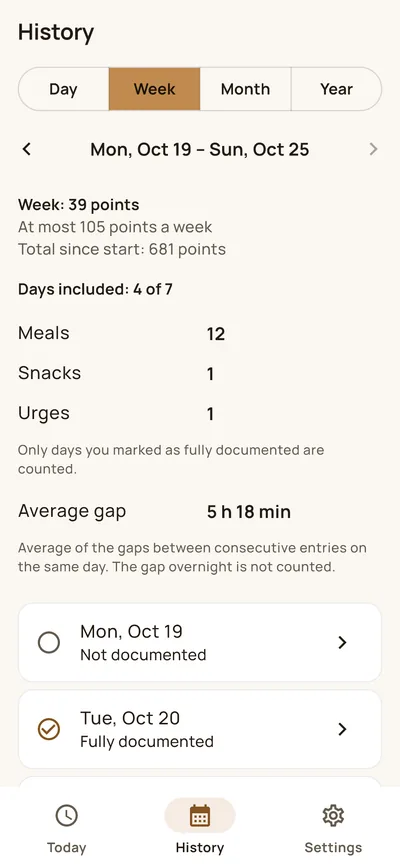
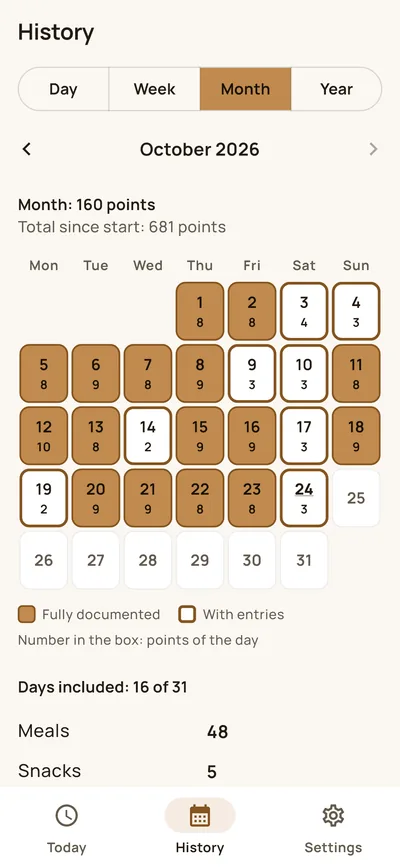
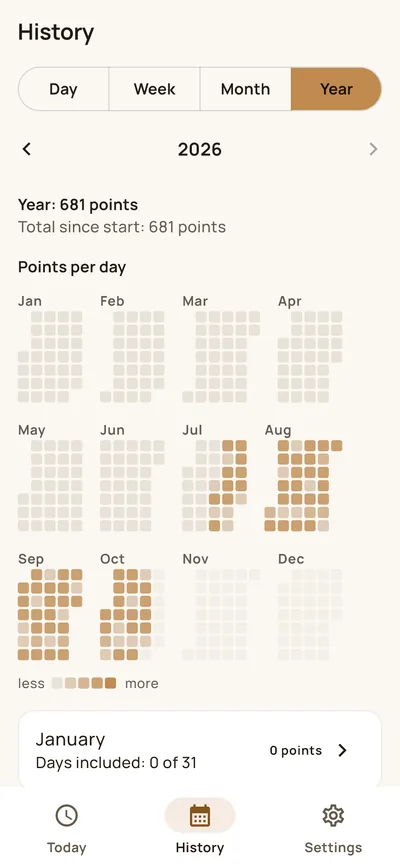
In the history you can mark a day as “fully documented” when you have entered everything. Only marked days go into the figures, so that incomplete days do not distort the values. The app does not ask you to do it.
What the app does not do
HEPLANO Rhythm gives no recommendations, does not rate eating times and never asks you to wait longer. It does not replace medical advice. If you have diabetes, take medication, are pregnant, or have or have had an eating disorder, please talk to a professional before changing your eating habits.
More about the app: HEPLANO Rhythm. Next: Note urges, Set up reminders.